You know that photo?
The one you still laugh about. Turn it into an animated sticker and keep the joke going on WhatsApp.
Free. For iPhone.
We’re leaving early tonight.
Sure 😂
Imagined chat. Real stickers.
Your friends. Your family. Yes, even the dog.
Real stickers, familiar reactions.
The group chat has a sticker for that.
For big news, questionable decisions and the dog who heard “treat.” A familiar face makes the reply yours.
“I got the job!”
“I sent it to the wrong group.”
“Who wants a treat?”
“Birthday plans?”
Real stickers, imagined moments.
In the app
Your photo. Your kind of funny.
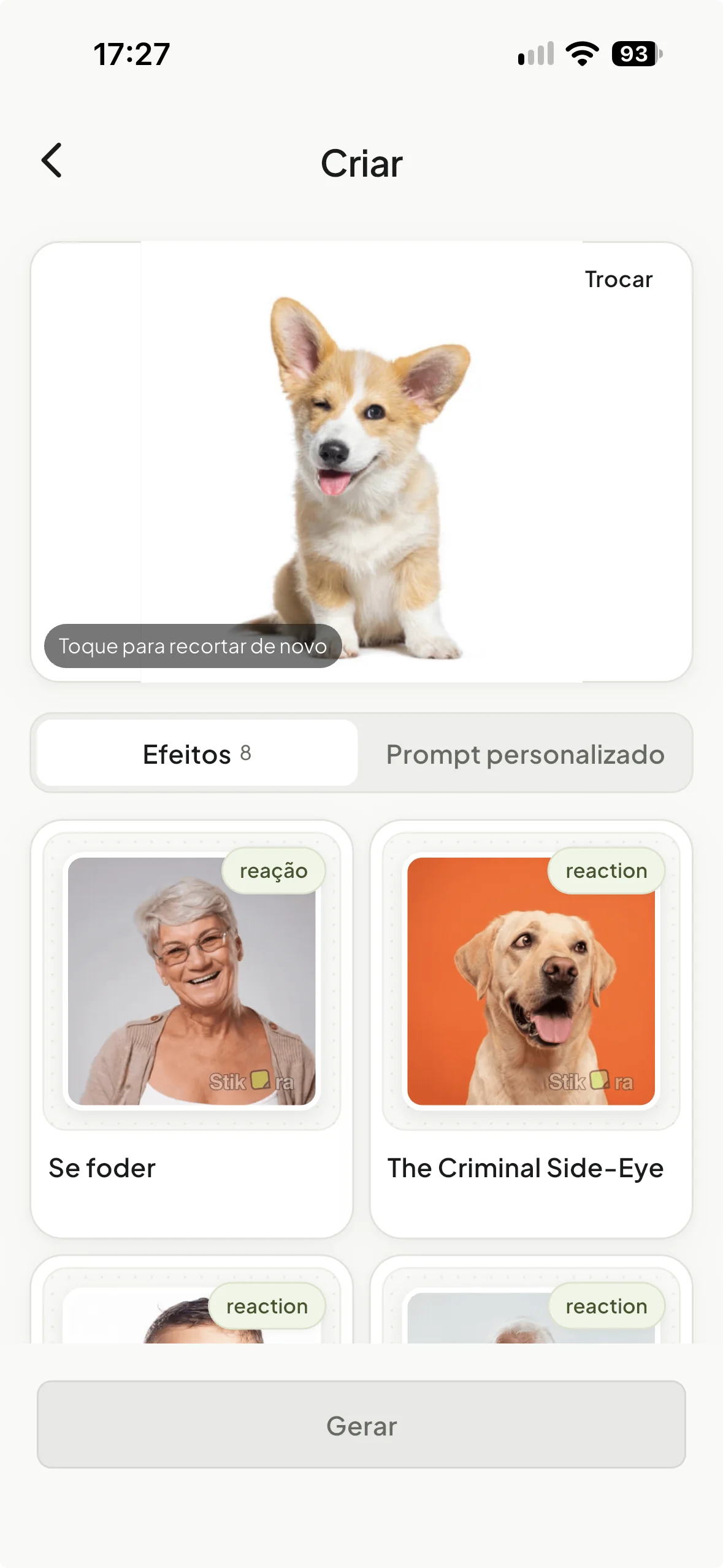
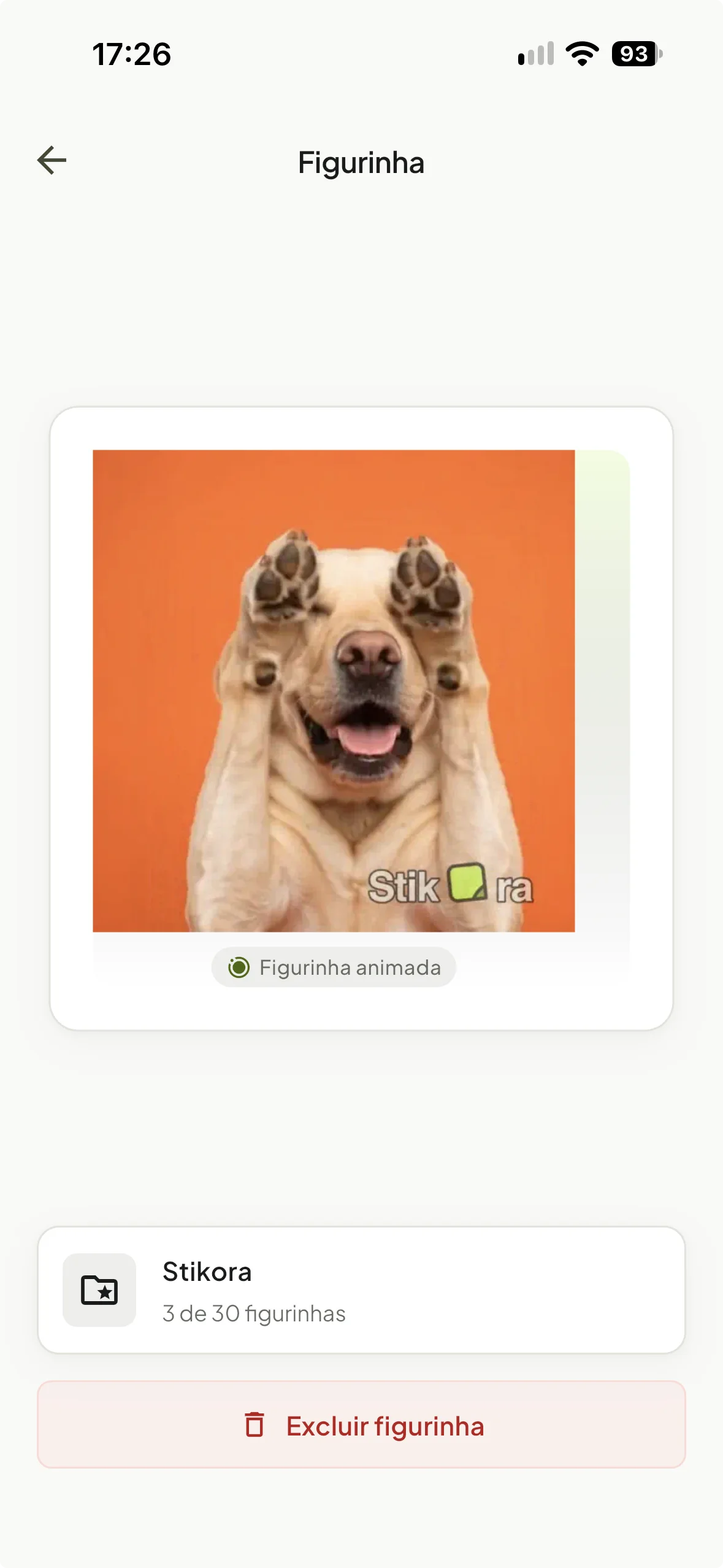
Pick a favorite photo, choose an animation effect or describe your idea. Preview the result, save the ones you like and export a pack to WhatsApp. Your face, your friends, your running joke.
- A photo with a story.
- A move that fits the moment.
- Your favorites, ready for the group.
Screens shown in Portuguese.
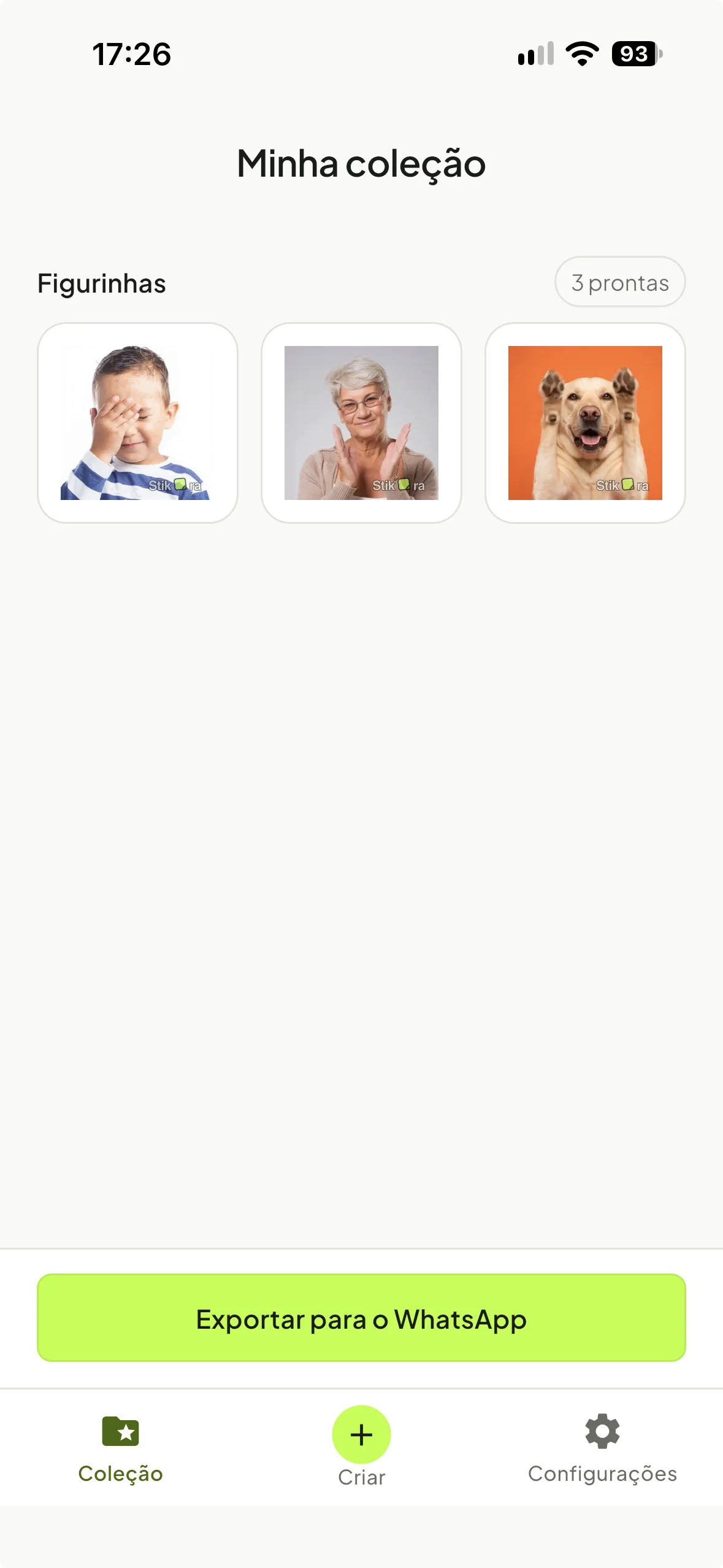
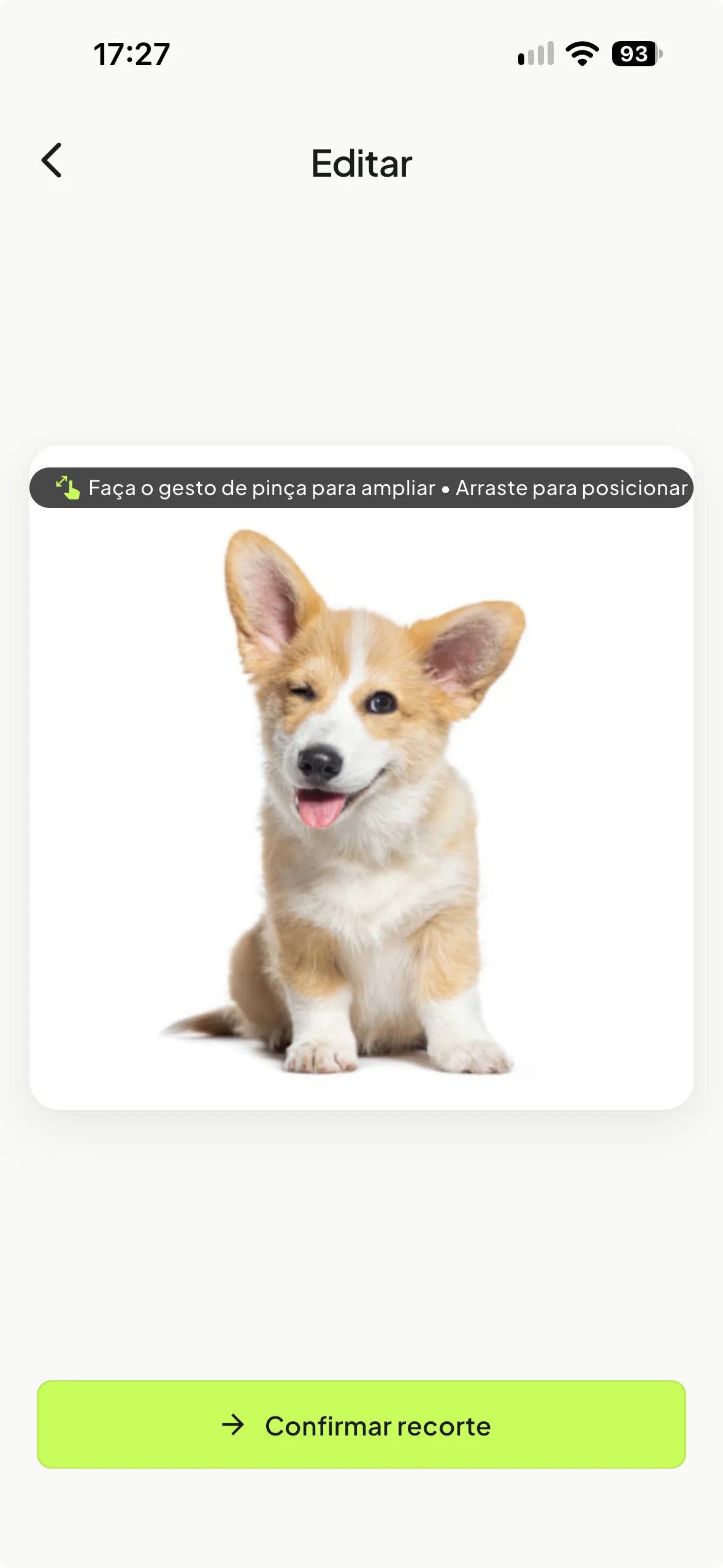
Take a peek inside
A few things before the fun.
Wait, is it free?
Yes. Download Stikora for free from the App Store. Exporting your saved stickers to WhatsApp is free too.
What photos can I use?
Friends, family and pets are all welcome. Choose a clear photo of your subject, and see what the AI comes up with. Results vary.
Can I choose how it moves?
Pick an animation effect or describe the idea in your own words. Preview the result, then keep the ones you like.
How does it get into WhatsApp?
Save at least three stickers, then use Export to WhatsApp. Choose a pack and finish adding it in WhatsApp.
My face came out weird. What now?
Use Edit to change the photo or animation, Regenerate for another try, or Discard to leave it behind. Only results you choose to save enter your collection.
What happens to my photos?
Runware processes your photo to animate it; custom descriptions also use OpenAI with your photo and text. Stikora stores photos and stickers with your account. Our Privacy Policy explains processing and deletion.
Where can I get Stikora?
On the App Store for iPhone. The download buttons here take you straight to Stikora’s listing.
You had to be there.
Now the group’s in on it.
The family joke. That holiday photo. That one friend. Which photo is becoming a sticker first?
Get Stikora for iPhone Free. Find it on the App Store.